
|

The Remote Viewer
allows users of our TopView product to remotely monitor
running TopView instances. The Remote Viewer is available for the Windows PC and
Windows Mobile Device platforms.
|
|
Using the Remote Viewer, you can:
-
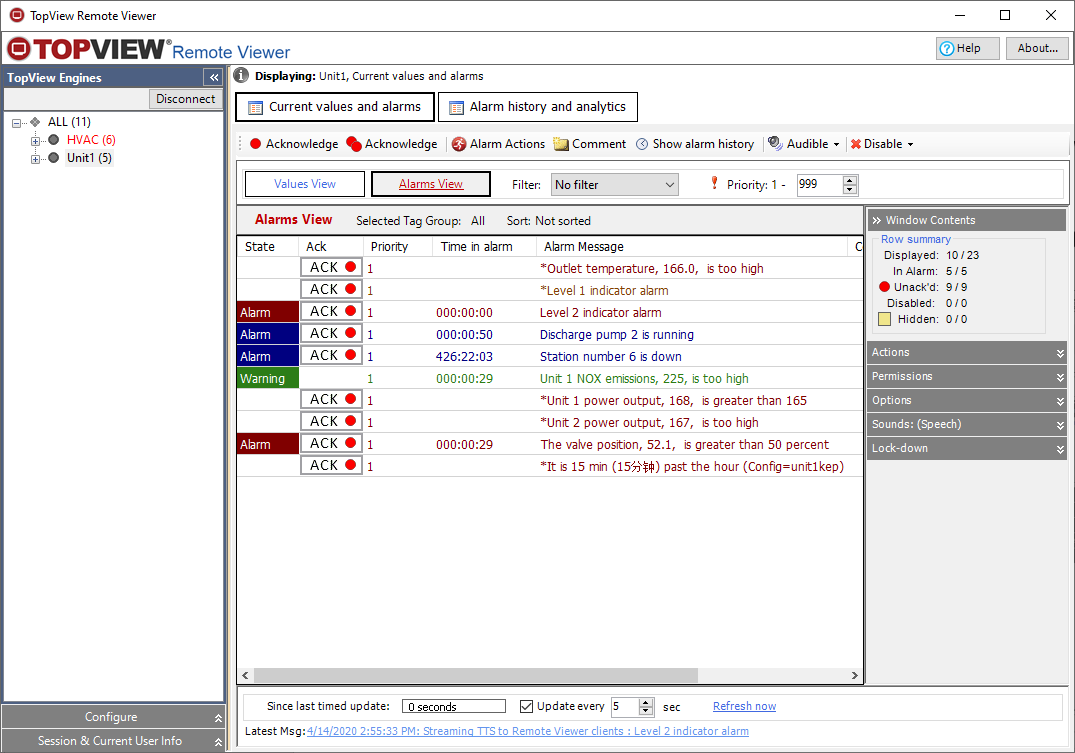
remotely monitor the value and status of all TopView tags
-
view current alarm conditions
-
hear audible alarm messages (WAV and text-to-speech)
-
acknowledge alarms
-
set tags active or inactive (desktop only)
-
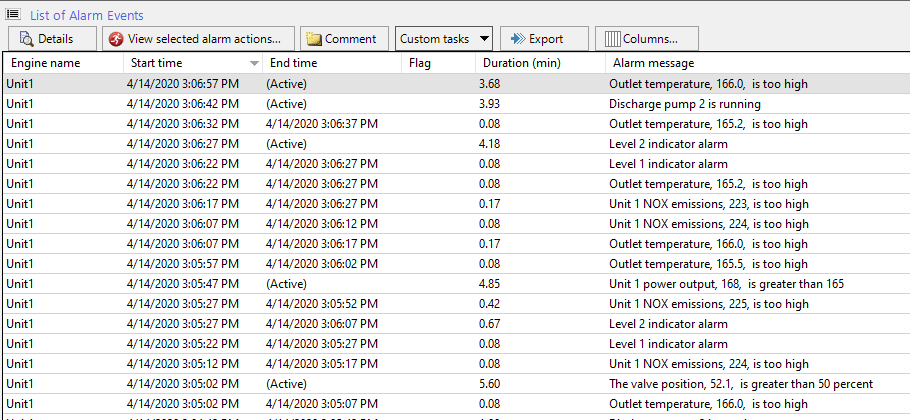
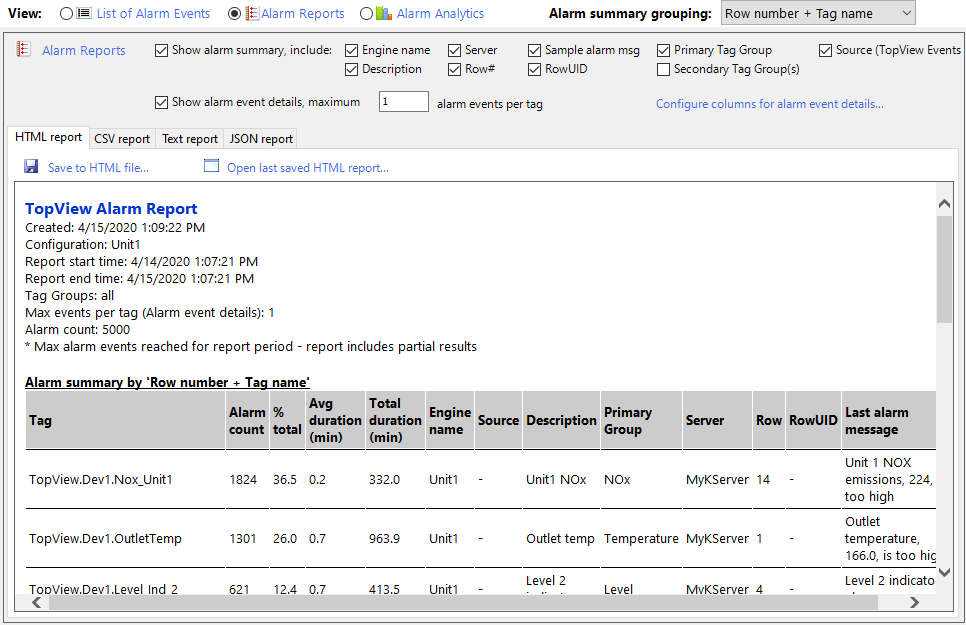
view the history log
|
On this
page:
Remote Viewer Overview
Remote Viewer for Windows PC (info and
downloads)
Remote Viewer for Windows Mobile
(info and downloads)
Get more information on:
Exele TopView Software
|
|
 |
|
|
|
Overview: using the Remote Viewer with TopView
|
|
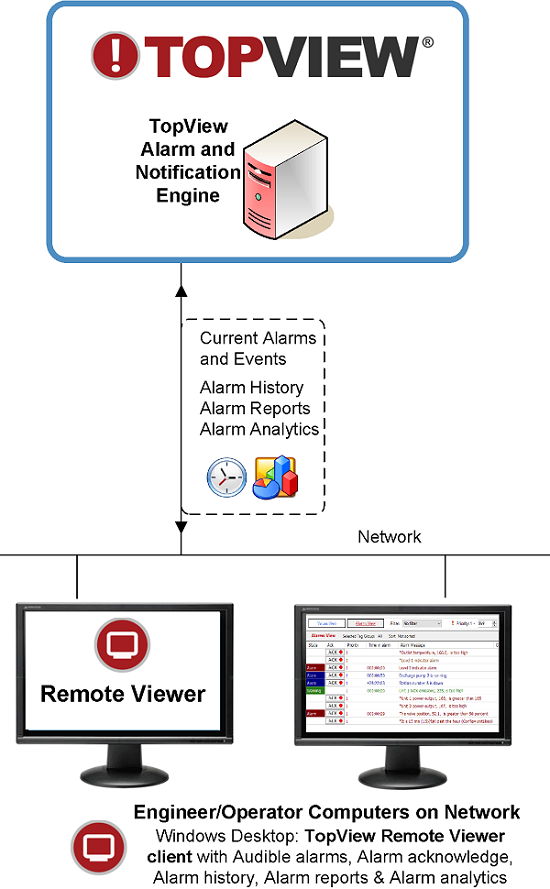
The Remote Viewer can be located on any computer
or mobile device that
has network access to the TopView Window. This may be within your
company (LAN) or anywhere in the world (Internet or VPN).

|
|
|
|
Licensing |
|
Each TopView
Software
license includes one (1) connection from the Remote
Viewer.
TopView customers may purchase additional remote connection licenses
(remote license count). The license count allows X simultaneous
Remote Viewer
connections to each running TopView Window. |
|
|
|
Products |
|
Remote Viewer for Windows PC |
|
The Remote Viewer for
Windows PC is
installed with TopView v5.5 and later. If you would like to download
the Remote Viewer for other machines on your network or would like
to update your version of the Remote Viewer, you
can do so here.
The Remote Viewer
is a free download. There is no installation required, but you
must have the .Net Framework 1.1(TopView v5.8.x or
earlier) or the .Net Framework 2.0 (TopView v5.9 and later)
installed on your computer. The .Net Framework
is a free download from Microsoft.
Download the Remote Viewer for Windows
PC
|
 |
|
|
|
|
Remote Viewer for Windows Mobile
|
|
|
|
The Remote Viewer for
Windows Mobile is installed with TopView
Use the downloads
below if you
Note: You must download a version of the Remote Viewer which
is compatible with your version of TopView.
Download the Remote Viewer for Windows
Mobile |
 |
|
|
What type of
Windows Mobile Device do I need?
The Remote
Viewer for Windows Mobile runs on Windows Mobile 5.0 Pocket PC and
Smartphone devices.
There is a separate product for each platform (Pocket PC or
Smartphone).
How do you know what device you have?
|
|
Windows Mobile 5.0
Pocket PC Screen
Start button upper left and stylus
support.
These devices can run the Remote Viewer for Pocket PC (PPC) for
TopView 5.8 and later
|

|
|
Windows Mobile 5.0
Smartphone Screen
Start button lower left corner. No
stylus support.
These devices can run the Remote Viewer for Smartphone (SP) for
TopView 5.9.9 and later |

|
|
|
|
|
|